
Competitor Ads in App Explorer: Meta and Apple in One Tab
Browse public ad creatives for any app—and pull the same data into Claude or Cursor via MCP.
Appeeky · Jul 29, 2026
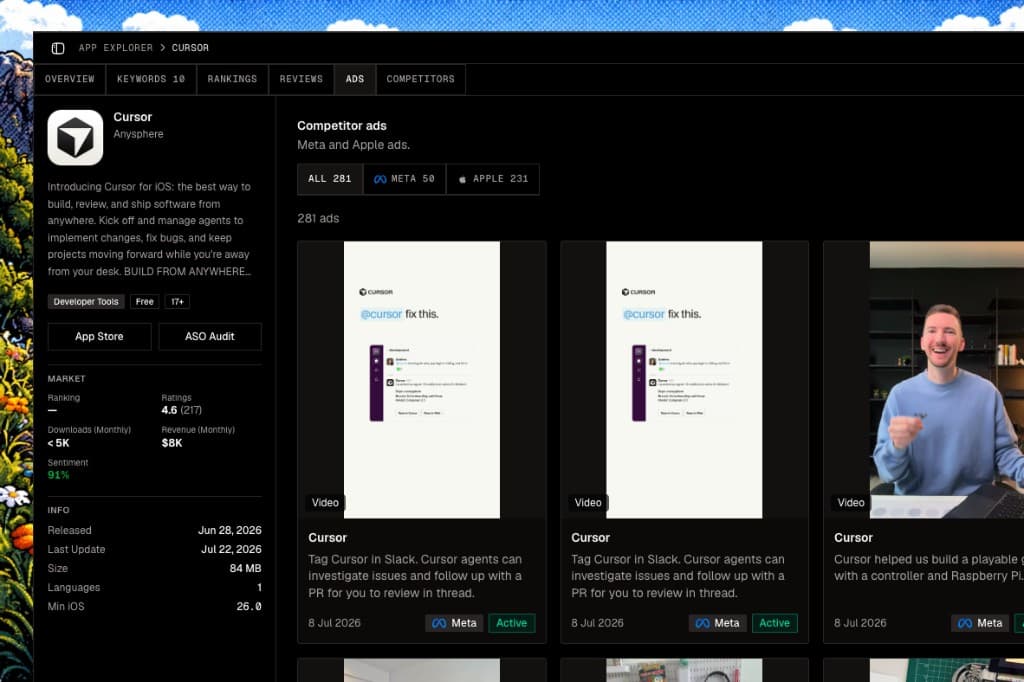
App Explorer now has an Ads tab. Open any app and review public ad creatives from Meta and Apple on a single page.
Meta ads
See what competitors are running on Meta—images, video previews, and copy tied to the app’s Facebook Page.
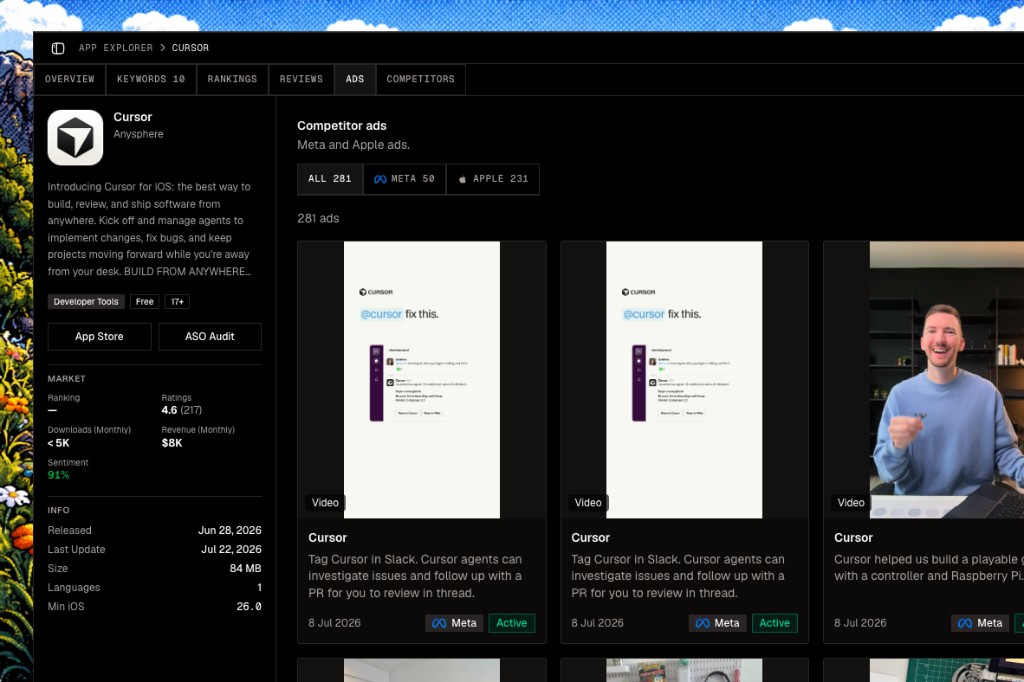
On Overview, you also get a quick signal for whether an app looks active on each platform before you open the full list.
Apple ads
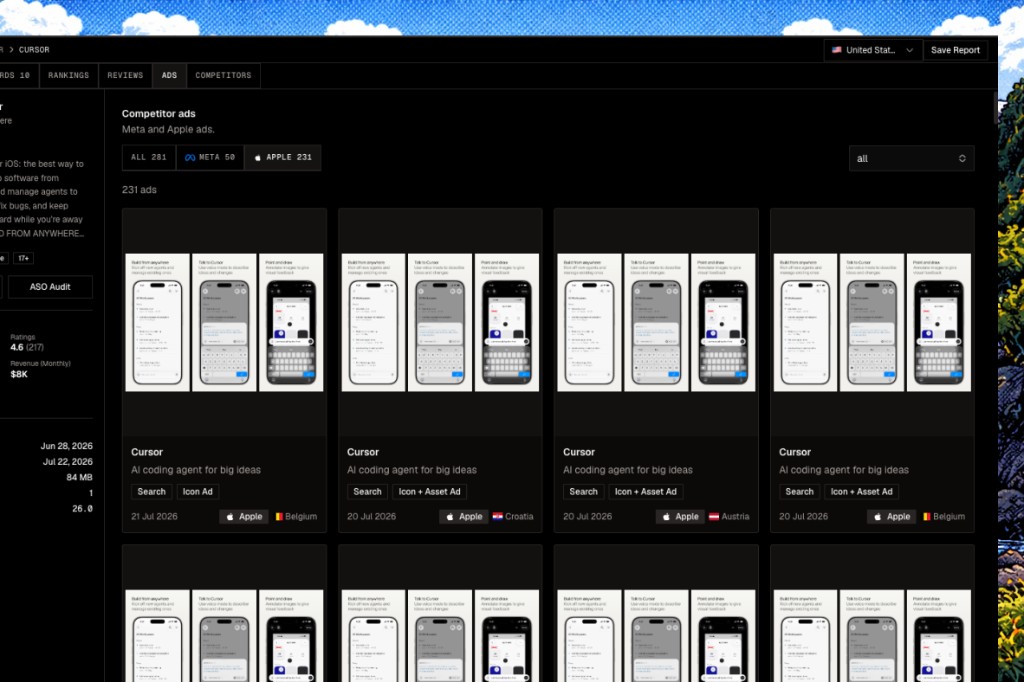
Apple’s public ad repository is in the same tab. Filter by platform or browse everything together.
MCP
The same data is available through Appeeky MCP—useful if you want Claude, Cursor, or another MCP client to pull competitor ads into a workflow.
| Tool | What it does |
|---|---|
meta_app_ad_intelligence | App → Meta creatives for its Facebook Page |
meta_ads_search | Search Meta Ad Library |
meta_ads_page_ads | Ads for one Meta Page |
apple_ads_library_search | Search Apple’s public ad repository |
apple_ads_library_app_ads | Apple ad creatives for an app |
apple_ads_library_ad_variations | Detail for one Apple ad |
Connected-account tools (your campaigns, spend, insights) are unchanged. These are for competitor ads.
MCP setup: appeeky.com/docs/mcp
Try it
App Explorer → search an app → Ads tab. Recent apps show on the Explorer home.